Gamifying shuttle runs to combat mental fatigue using Unity AR
SUMMARY
RunnAR transforms simple shuttle runs into an interactive AR experience. Players sprint between virtual checkpoints as spatial visuals, audio layers, and live stats build intensity.
organization
self-initiated
Role
unity developer & designer
Team
3 members; 2 devs, 1 asset designer
Contribution
c# development / UX / story
The challenge
Shuttle runs are simple and effective training to measure aerobic endurance i.e. VO2 max. But when done solo in open spaces, their repetitive nature can feel unstimulating and hard to stay motivated through.
We chose shuttle runs because their structured format and limited variables gave us a stable foundation—freeing us to focus on designing the interactive, sensory layer rather than managing complex inputs. Our challenge was to transform this predictable exercise into a playful, rewarding, and immersive AR experience

Design Vision
Concept setting
We designed the experience around three interacting layers:
[01] Physical — AR checkpoints placed in physical realm that the user runs between
[02] Audio — layered sound effects that build intensity
[03] HUD/UI — visual indicators for progress, time, and performance.
vibe setting
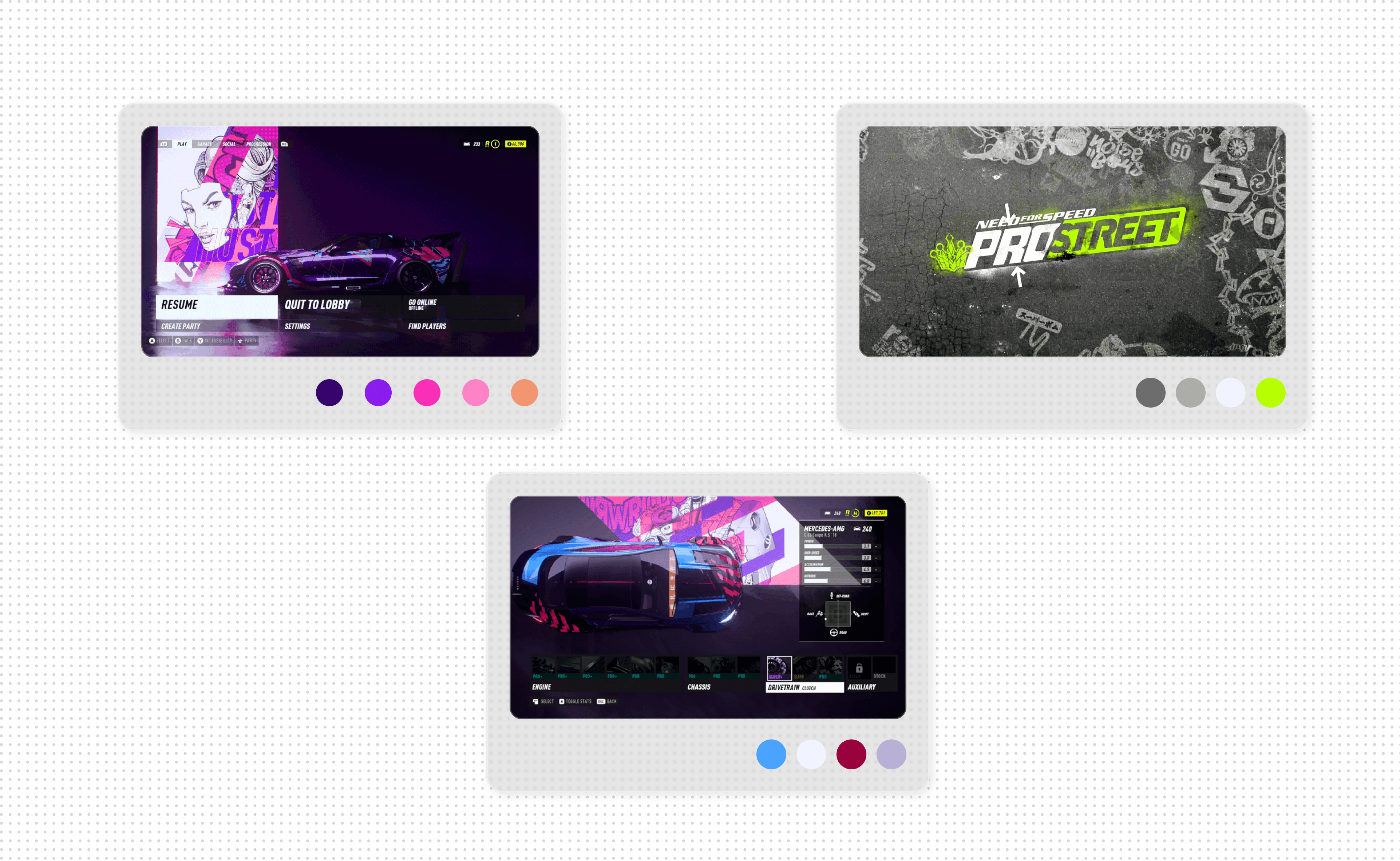
To spark an adrenaline-fueled experience, we drew visual inspiration from the energetic color palettes of NFS Carbon and NFS ProStreet.
High-contrast accents and motion streaks create urgency and flow, while rising audio cues heighten the rush
proof of Concept
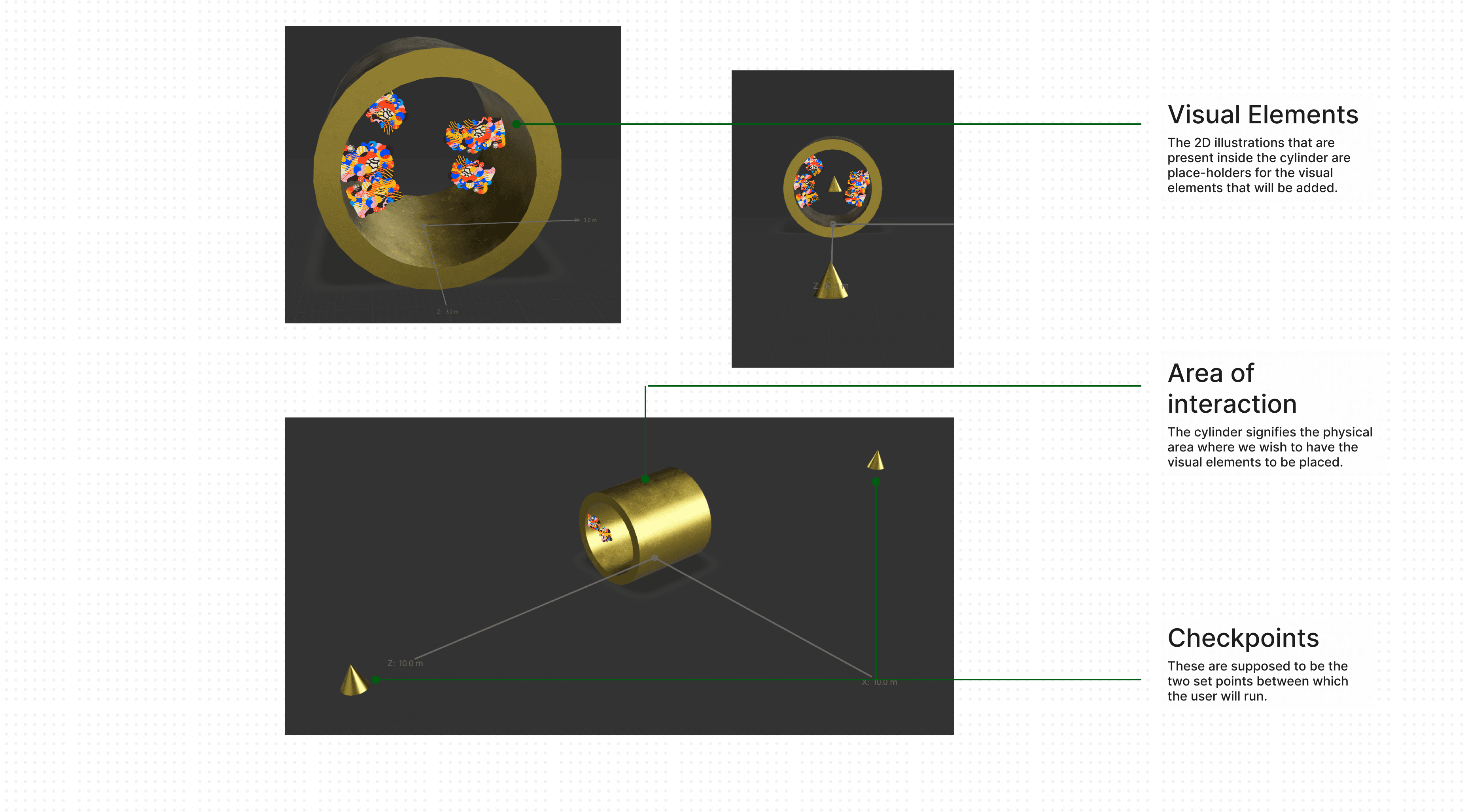
Adobe Aero Prototype
Early layout mock-up with two checkpoints and a central interaction zone (marked by a cylinder).
Established the spatial framework for AR placement.
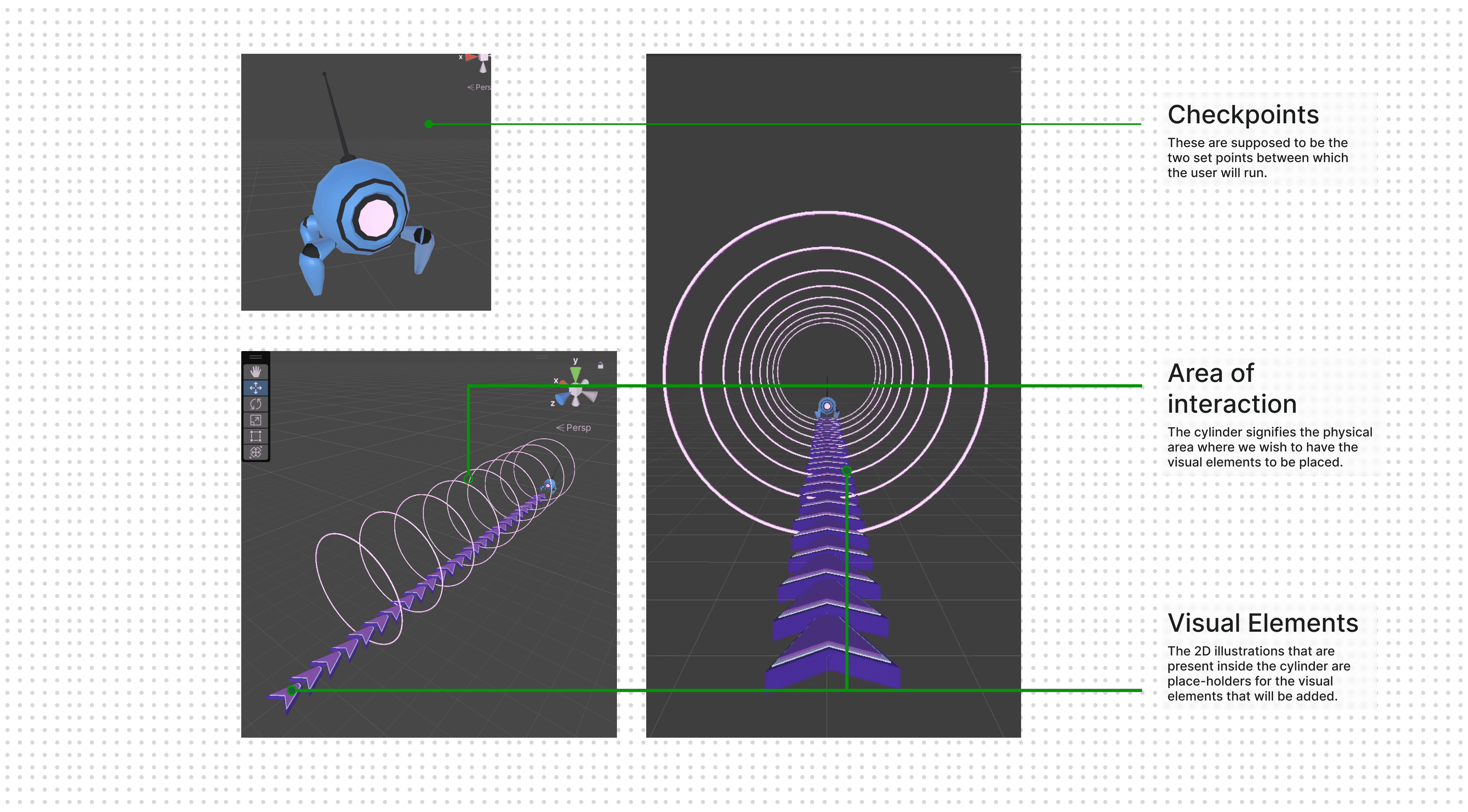
Unity Prototype
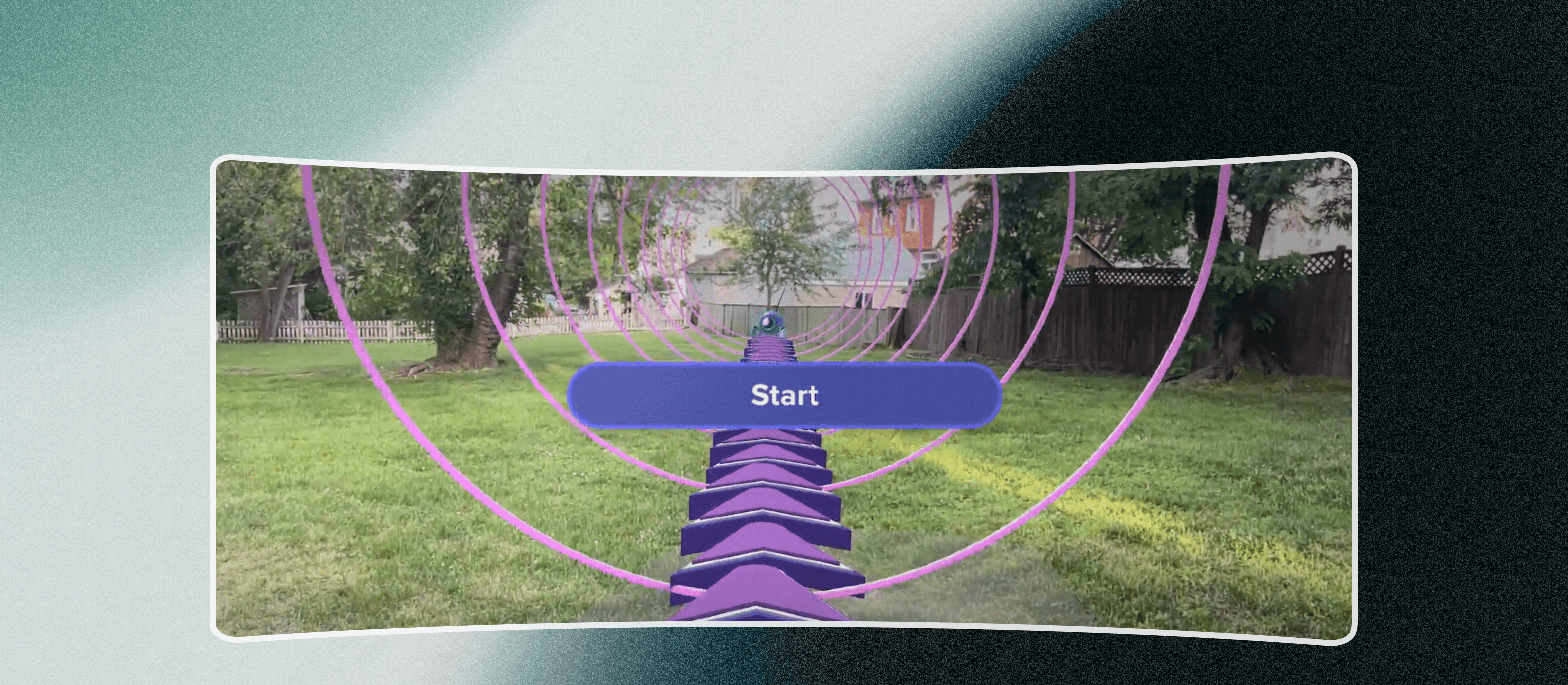
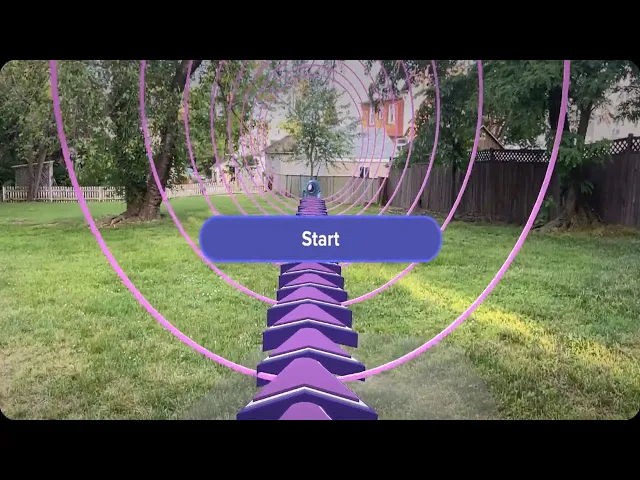
Built a full interaction zone with our first character (robot) as the target.
Players sprint through rings arranged for a tunnel-vision effect, racing to reach the robot before time runs out
Gameplay Development
Scene Development
We designed three progressive levels to evolve both visual complexity and difficulty.
Each level layers in new obstacles, tighter time limits, and heightened sensory cues—accelerating sound intensity and deepening the tunnel-vision effect to immerse runners further into the experience.
All 3D assets were modeled in Blender.
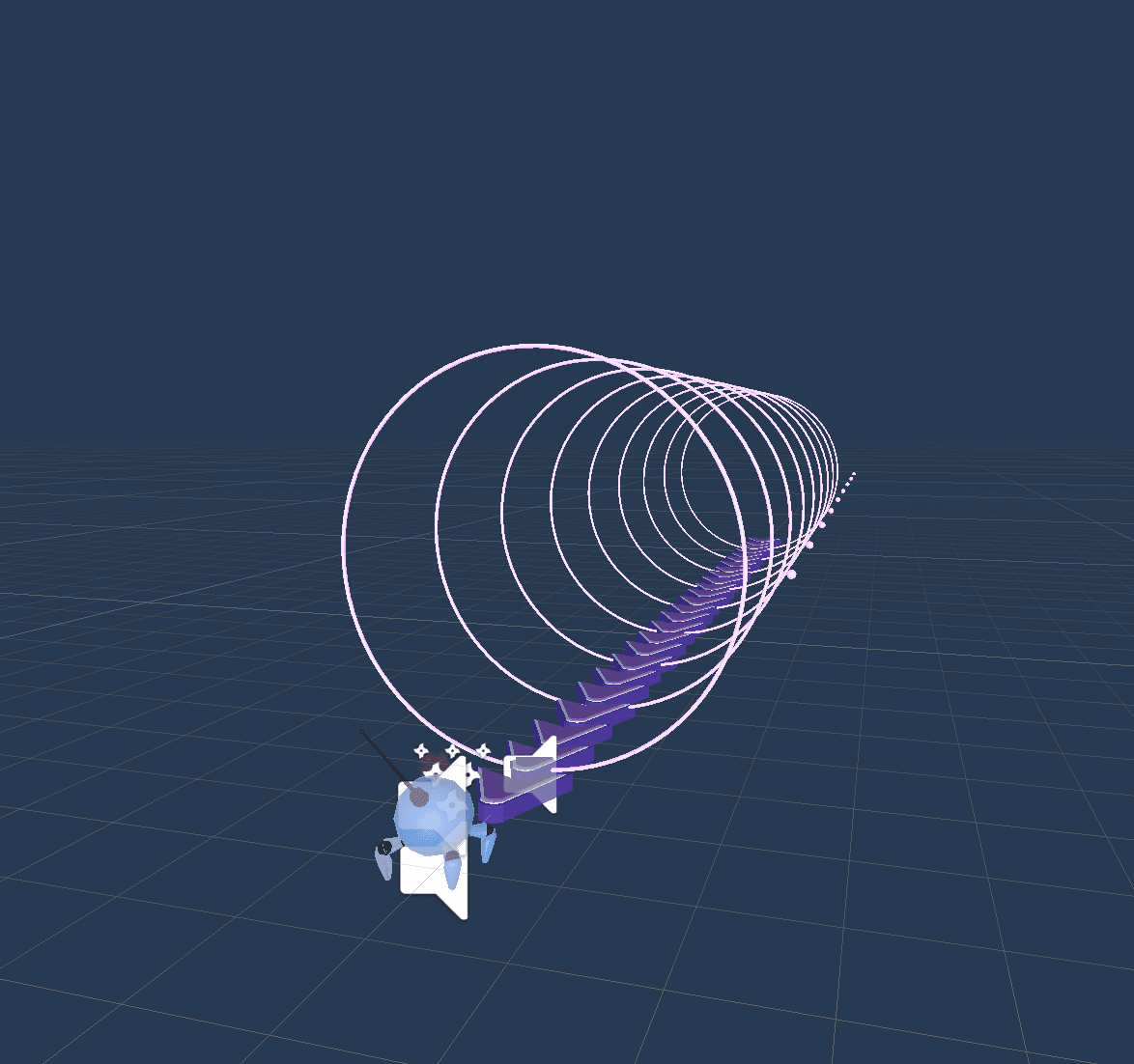
Neon pink and purple rings w/ bold ground chevrons clearly guide the sprint path
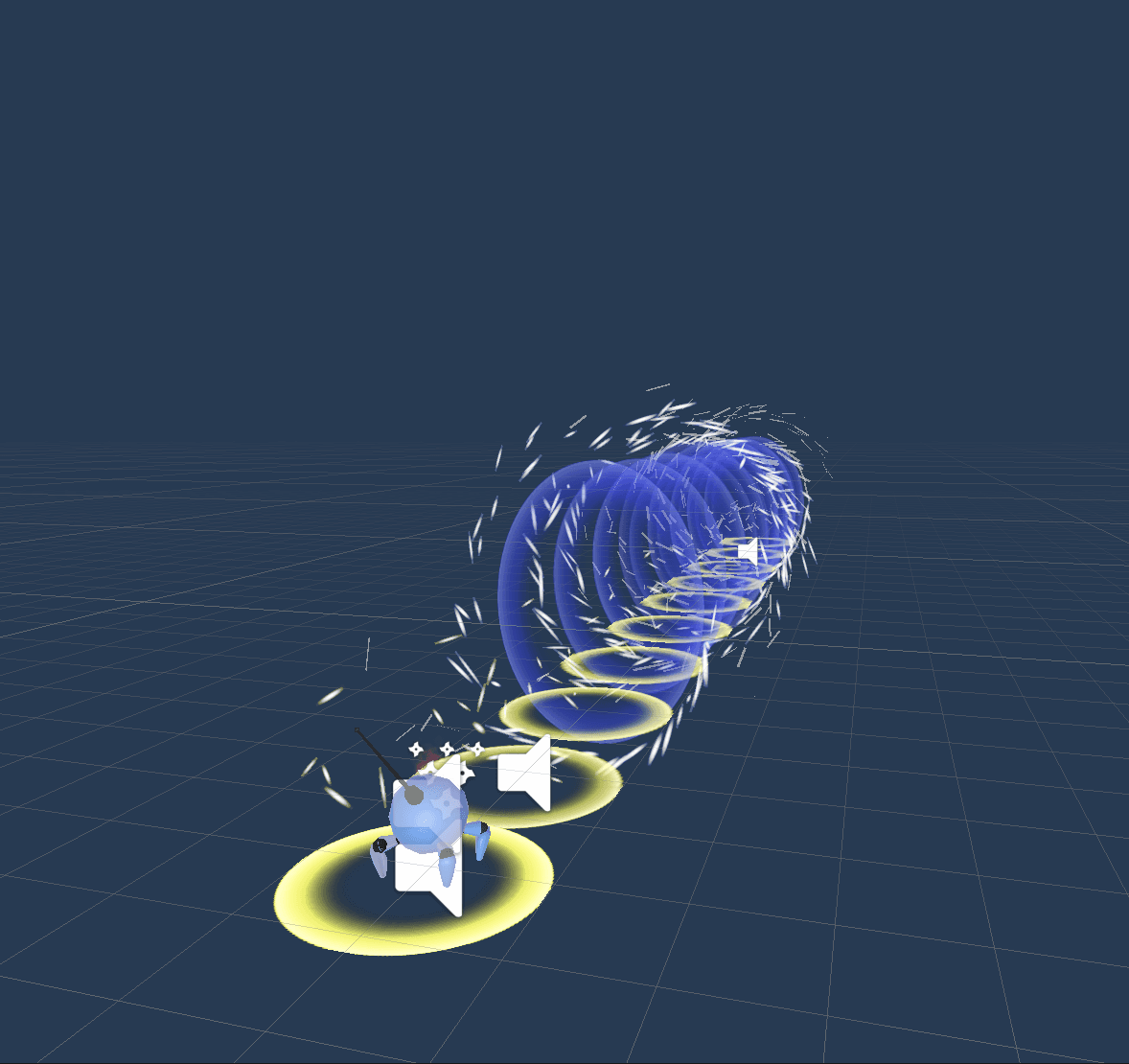
Blue-purple energy rings w/ sparks for slipstream. Glowing orbs for the sprint path
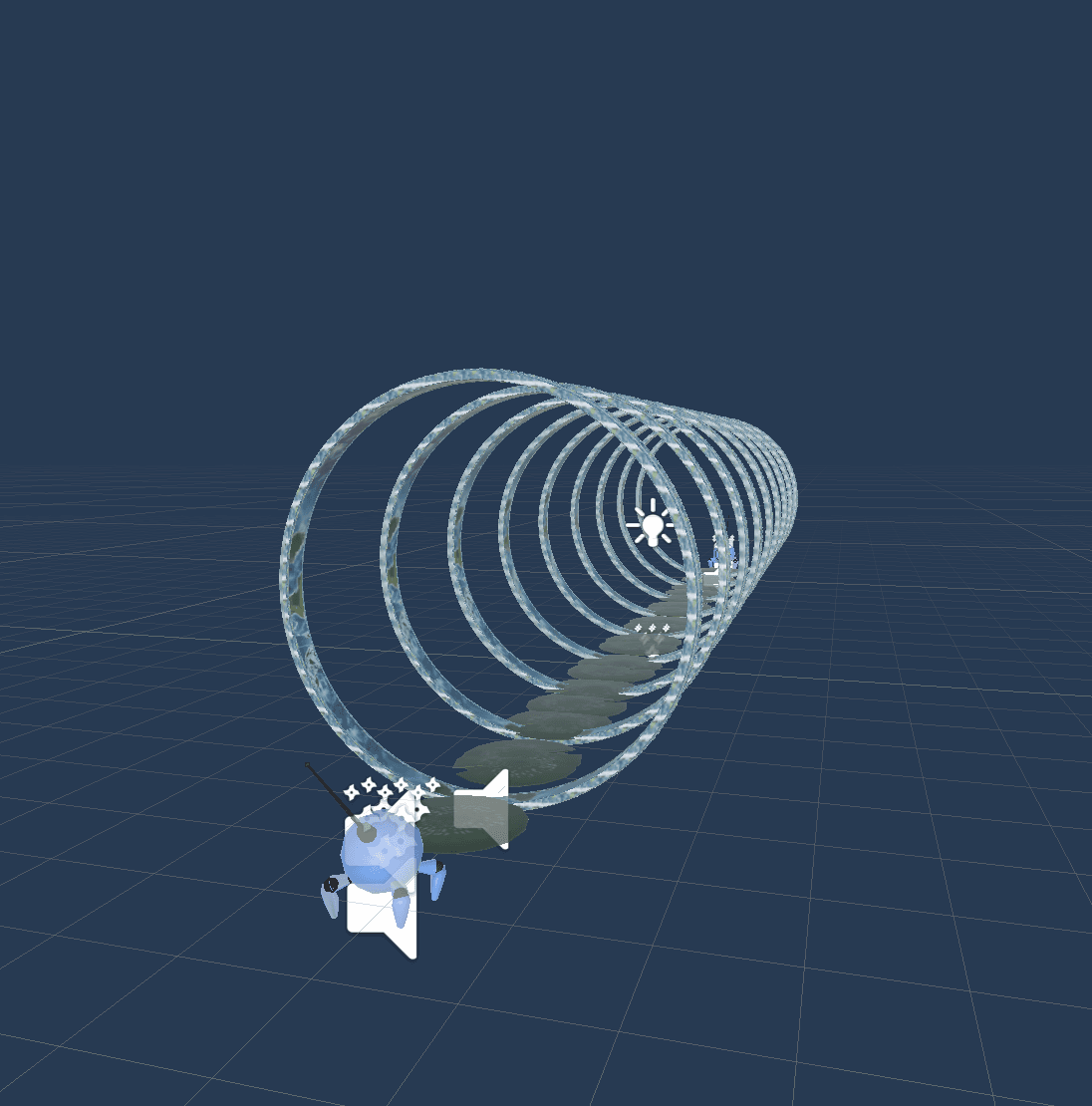
Aqua granite rings w/ snowflakes. Lily pads for the sprint path
Onboarding
To make the experience feel more personal and spark excitement, we created an interactive onboarding flow.
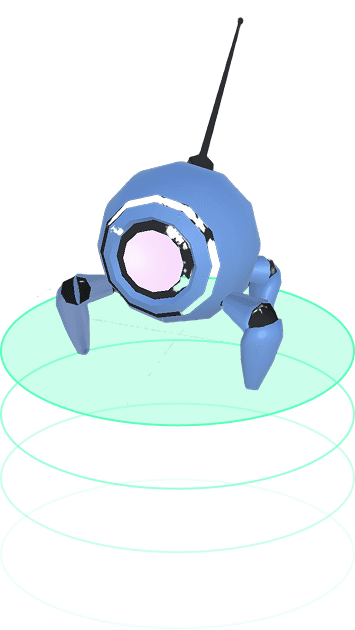
Dash, our assistant robot, playfully guides users through setup using short messages and gestures—building anticipation before the first run

Validation and Evaluation
Feedback
We ran a user feedback session with 5 participants, collecting responses through a post-run Google Form.
Key Feedback
[i]
“The 2nd run just needs to be refreshed but everything else looks good”
[i]
“The runner’s view [in level 2] seemed shrouded and could be a problem for their safety”
[i]
“Allow users to have a preview when placing the AR environment”
Revisions Made
[↳]
Reduced visual effects in Level 2 for clearer runner visibility
[↳]
Introduced a preview step before environment placement
[↳]
Added AR safety tips during onboarding
Learnings
[ »] Simplicity of core task helped focus on interaction design — Choosing shuttle runs (with fixed rules and inputs) let us pour energy into sensory and emotional engagement rather than mechanics.
[ »] Layered feedback keeps motivation high — Gradually stacking visuals, audio cues, and UI feedback made effort feel rewarding and reduced perceived exertion.